Gaming PC Overheating: What to Check First
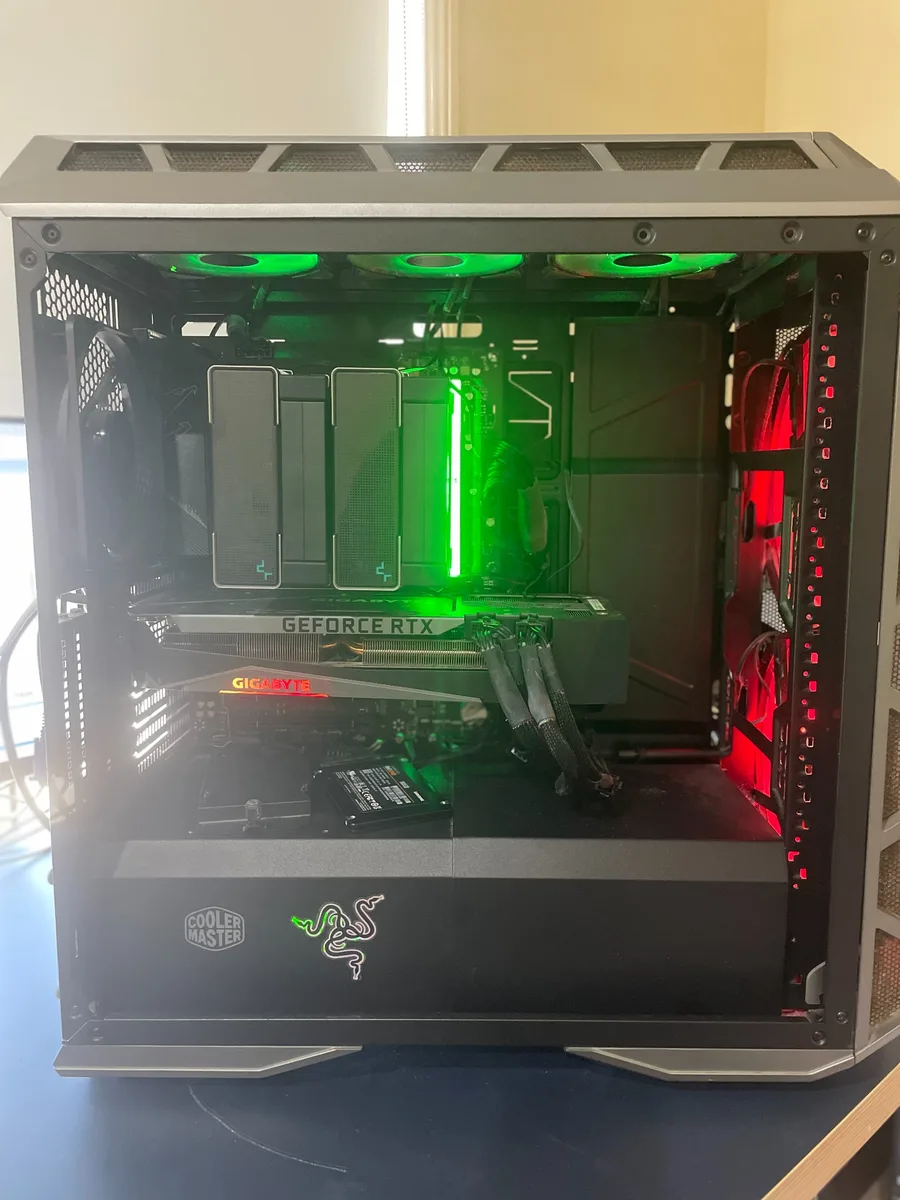
Gaming PCs generate more heat than standard office computers. Overheating can cause shutdowns, fan noise, frame drops and reduced performance.
Dust and airflow
Dust buildup can block filters, heatsinks and fans. Cleaning needs to be done carefully so cables, fan blades and components are not damaged.
CPU and GPU temperatures
Temperature testing helps identify whether the CPU, graphics card or case airflow is the main concern.
Thermal paste and cooling
Older systems may need thermal paste replacement or cooler reseating, but this should only be done after confirming the symptoms.
Want to see the full diagnostic process on a real gaming tower? We walked through this exact kind of overheating job for a customer in Coomera, from dust and airflow checks through to temperature testing.
Local gaming PC support
Karma Techs can inspect gaming desktops, check cooling, clean dust and help decide if upgrades are worthwhile.
Found this helpful?
Our professional technicians on the Gold Coast can help resolve your tech issues onsite today. Same-day service available.