Windows 98 CNC Machine PC Rebuild on the Gold Coast
A CNC machine relied on a Windows 98 control PC. After onsite troubleshooting, the Pentium-era PC was rebuilt and running Windows 98 again.
The problem
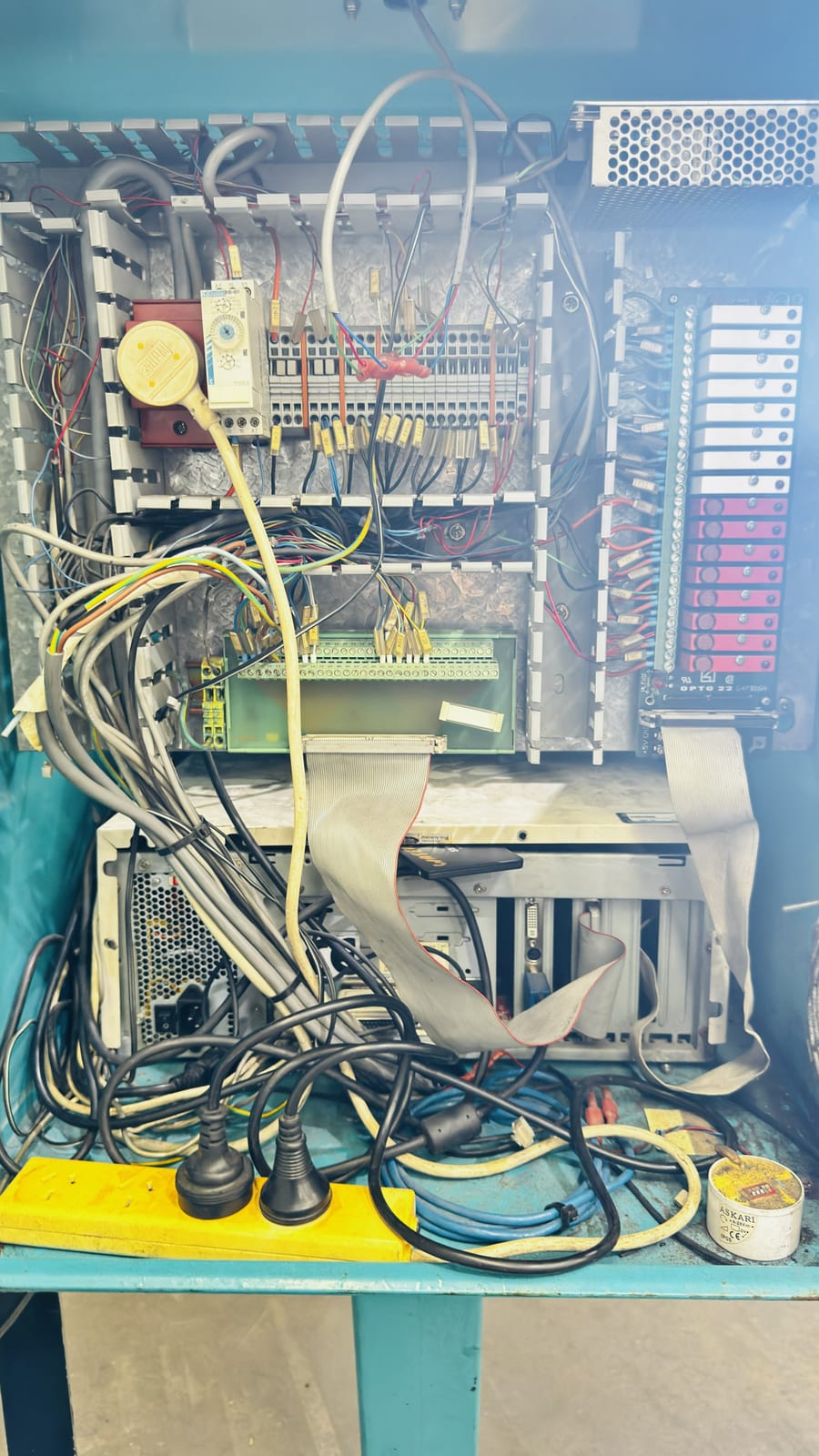
A CNC machine's workstation needed troubleshooting onsite. Machines like this are often controlled by an older PC running Windows 98 on Pentium-era hardware, because the control software and interface cards were built for that generation, so the computer often can't simply be swapped for a modern one.
Symptoms reported
- The CNC machine's workstation needed troubleshooting
Diagnosis process
Before recommending parts or a full reinstall, Karma Techs followed a practical diagnostic process to confirm the likely cause and reduce the risk of unnecessary work.
- Troubleshot the CNC machine's workstation onsite, including the wiring and electronics inside the machine's housing
- Tested the older Pentium-era motherboard and its parts on the bench
Repair work completed
- Rebuilt the control PC on the bench with its Pentium-era hardware and expansion cards
- Got Windows 98 running on the rebuilt PC
Outcome
The CNC machine's control PC was rebuilt and back at the Windows 98 desktop, keeping the older machine's computer side working with the software it was designed for.
Before & after
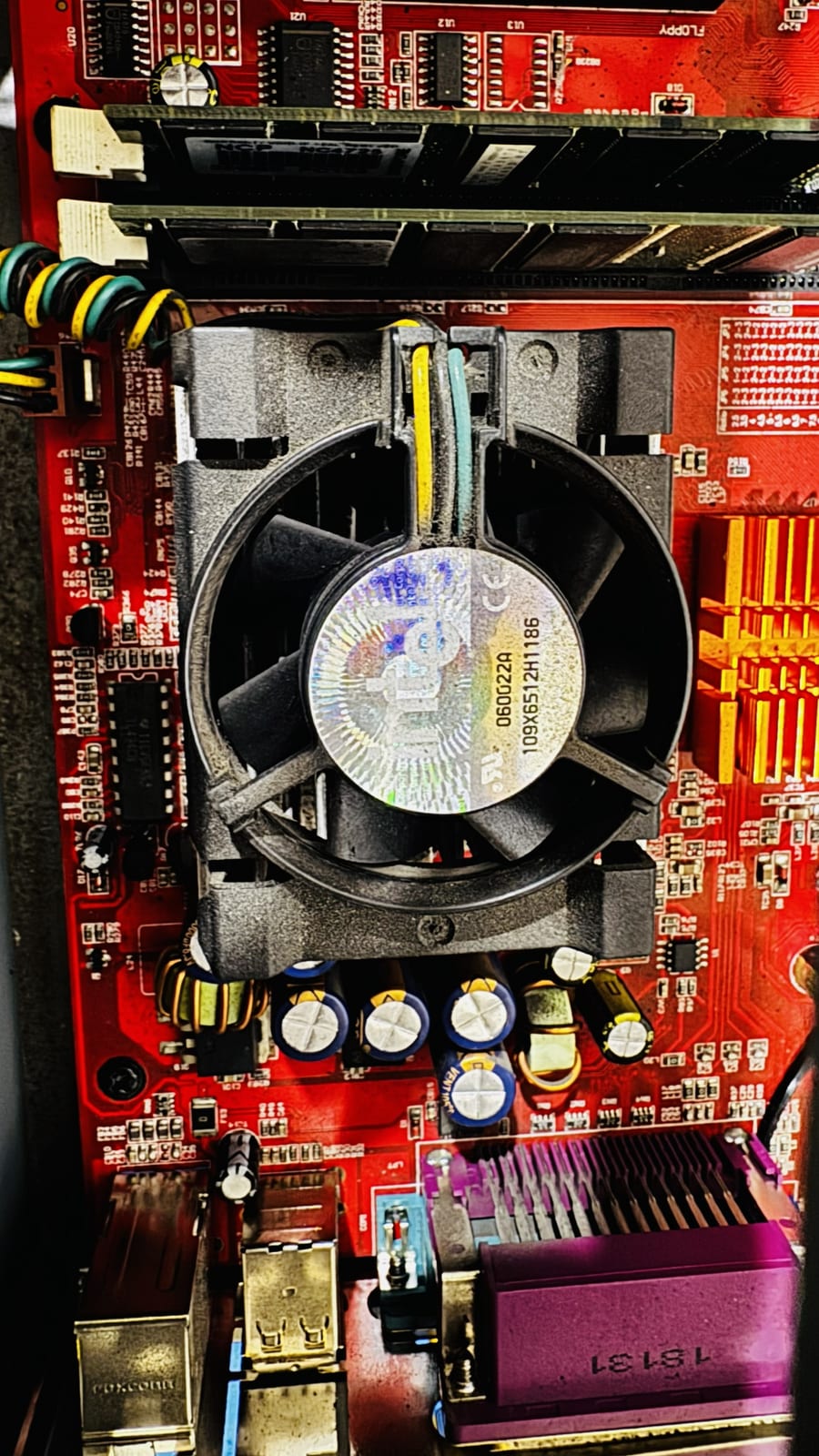
Before
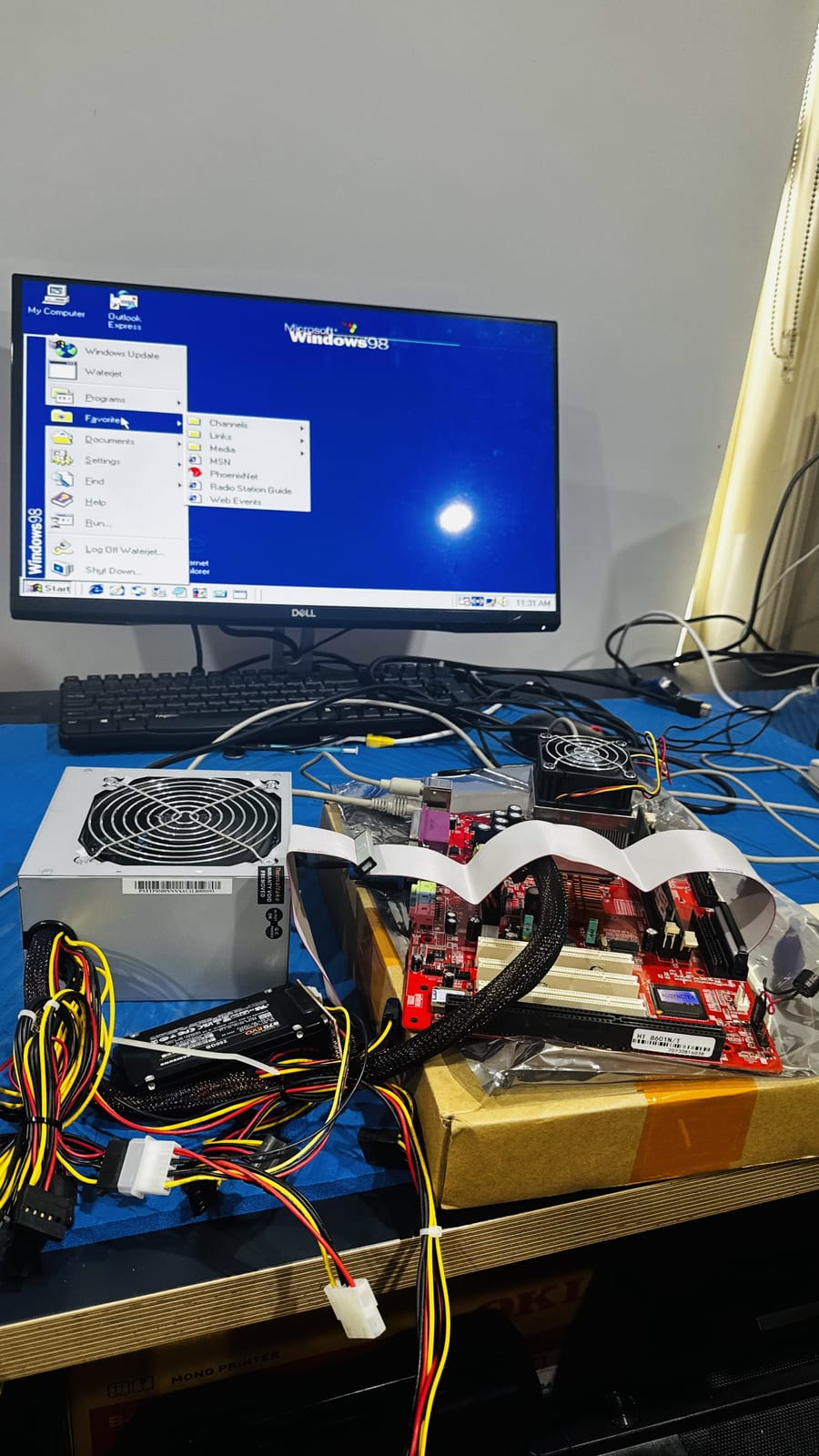
After
Questions about this type of repair
Why do some CNC machines still use Windows 98?
Their control software and interface cards were made for computers of that era, and often have no modern version. Keeping the original type of PC running keeps the machine working.
Can an old Pentium-era PC still be repaired?
Often, yes, although parts are harder to find. It depends on which part has failed and whether a compatible replacement is available.
How can I protect an old machine's control PC?
Make a full backup copy (image) of its drive while it is working, and keep a record of its settings. That makes any future rebuild much quicker.