Broken Laptop? What to Do First (Before You Pay for Repairs)
Stop using the laptop if it is making odd noises, smells hot or has been dropped or wet. Check the simple things first, such as power and the charger, then protect your files before anyone starts a repair. Ask for a clear diagnosis and quote before agreeing to pay.
A laptop that suddenly will not start, freezes or has a cracked screen is stressful, especially when it holds your photos, documents or business files. A few calm steps at the start can save money and avoid making the problem worse. This guide is general advice for home users and small business owners alike.
Before you start
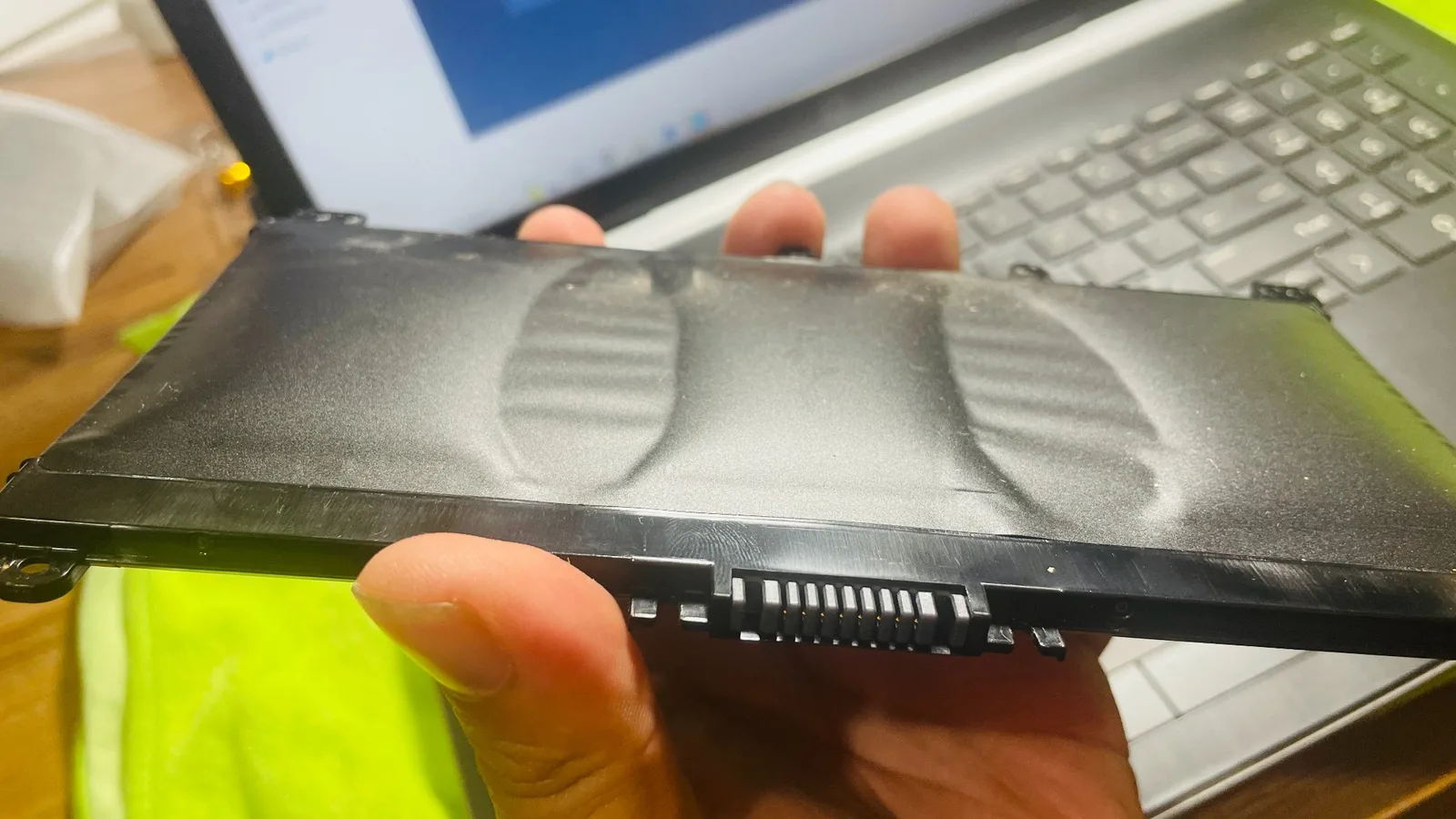
- Stop using the laptop if it has been dropped, has had liquid spilled on it or is very hot
- Note exactly what happened and any messages on screen
- Check the power, charger and power point
- Remove anything plugged in, such as USB drives and adapters
- Work out what is on the laptop that you cannot replace
Should you keep using a laptop that is acting up?
If the laptop has taken a knock, got wet, smells burnt or is making clicking or grinding sounds, switch it off and leave it off. Carrying on can turn a small problem into a bigger one, and in some cases it can make your files harder to get back. Repeatedly forcing it to restart is not a good idea either.
If liquid has been spilled on the laptop, do not try to turn it on to see if it still works. Power it off, unplug the charger and get it looked at as soon as you can.
What simple things can you check yourself?
Many "dead" laptops turn out to have a simple cause. Try a different power point, check the charger is firmly plugged in at both ends and look for a light that shows it is charging. Unplug everything connected to the laptop, then hold the power button for several seconds and try again. If you have a second compatible charger, try that too.
If the screen stays black, check whether the laptop is actually on, for example by listening for a fan or looking for indicator lights. Write down anything you see, because it helps whoever diagnoses it later.
How do you protect your files first?
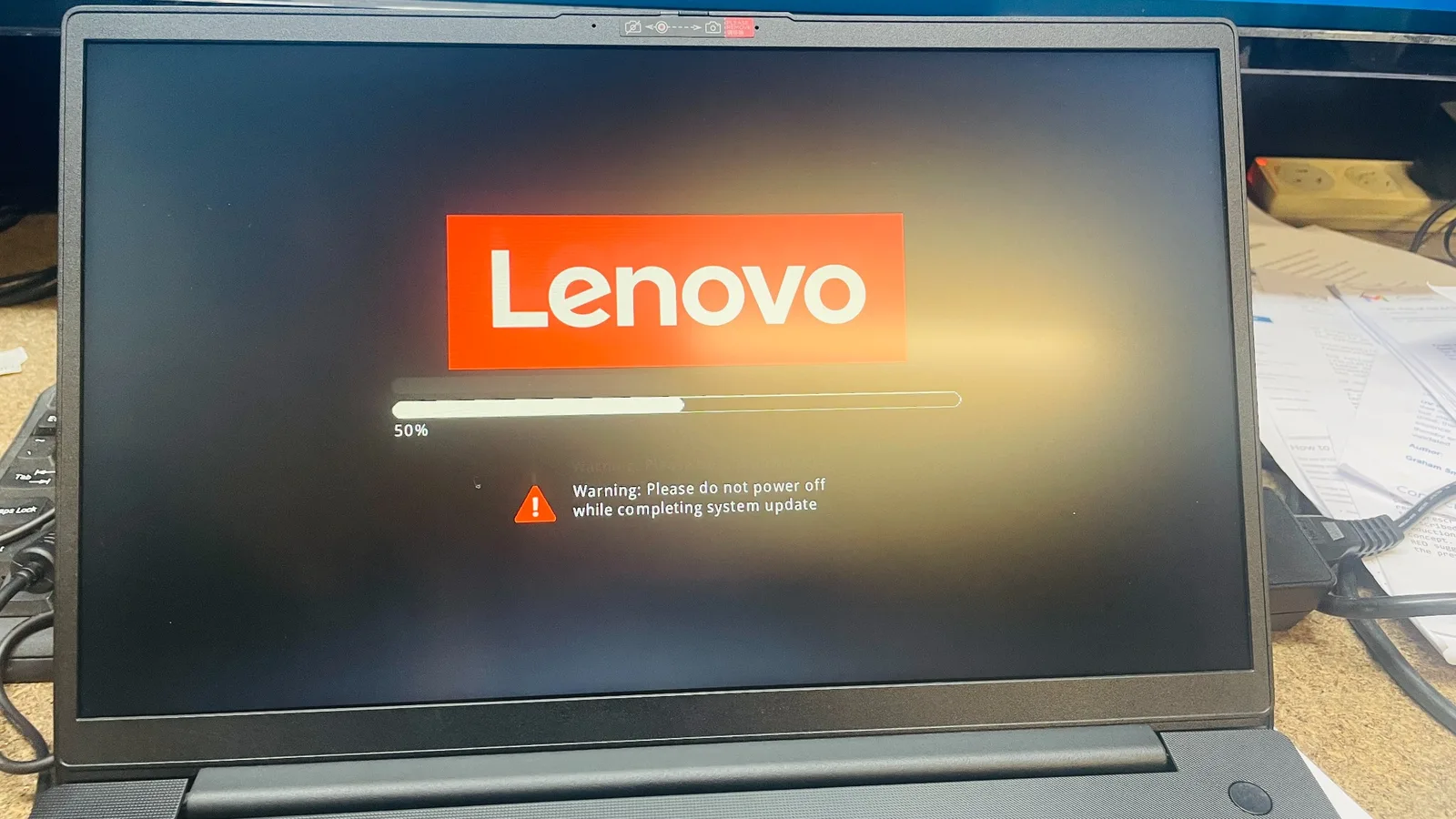
Your files are usually worth more than the laptop. If the laptop still starts, copy your important documents and photos to an external drive or cloud storage you already use. If it does not start, do not try risky fixes such as reinstalling Windows, because that can wipe what is on it. Tell whoever looks at it that your files matter most, and see our data recovery page for how that side of things works.
What should you ask before paying for a repair?
Before you agree to anything, ask what is wrong, what the repair involves and what it will cost. A reasonable provider can explain the fault in plain English and give you a quote before starting work.
| Question to ask | Why it matters |
|---|---|
| What is the fault? | You should understand the problem, not just be told a total |
| What is the quote, and does it include parts and labour? | Avoids surprises when you collect the laptop |
| Will my files be kept safe? | Some repairs can affect the data on the laptop |
| Is it worth repairing? | On older laptops, replacing can sometimes make more sense |
Is it worth repairing or replacing?
This depends on the age of the laptop, the fault and how well it has served you. A newer laptop with a single failed part is often worth repairing. An older one with several problems may not be. Ask for an honest opinion and compare it with the cost of a replacement that does what you need. Our laptop repairs and computer repairs pages explain the kinds of faults that are commonly looked at.
When to call an IT person
Get professional help if the laptop will not start after the basic checks, if it has been dropped or had liquid spilled on it, if it is overheating, or if it holds files you cannot afford to lose. Also get help if you are asked to pay for a repair and cannot get a clear explanation of the fault. Stopping early and getting a proper diagnosis is usually safer than trying several fixes in a row.
Need a hand with this?
Call Karma Techs for onsite or remote IT support across the Gold Coast.