Desktop SSD Upgrade and Teardown in Parkwood
A Parkwood customer's ageing desktop tower was slow to boot and slow to use. A full teardown and a new SSD brought it back to a usable everyday speed.
The problem
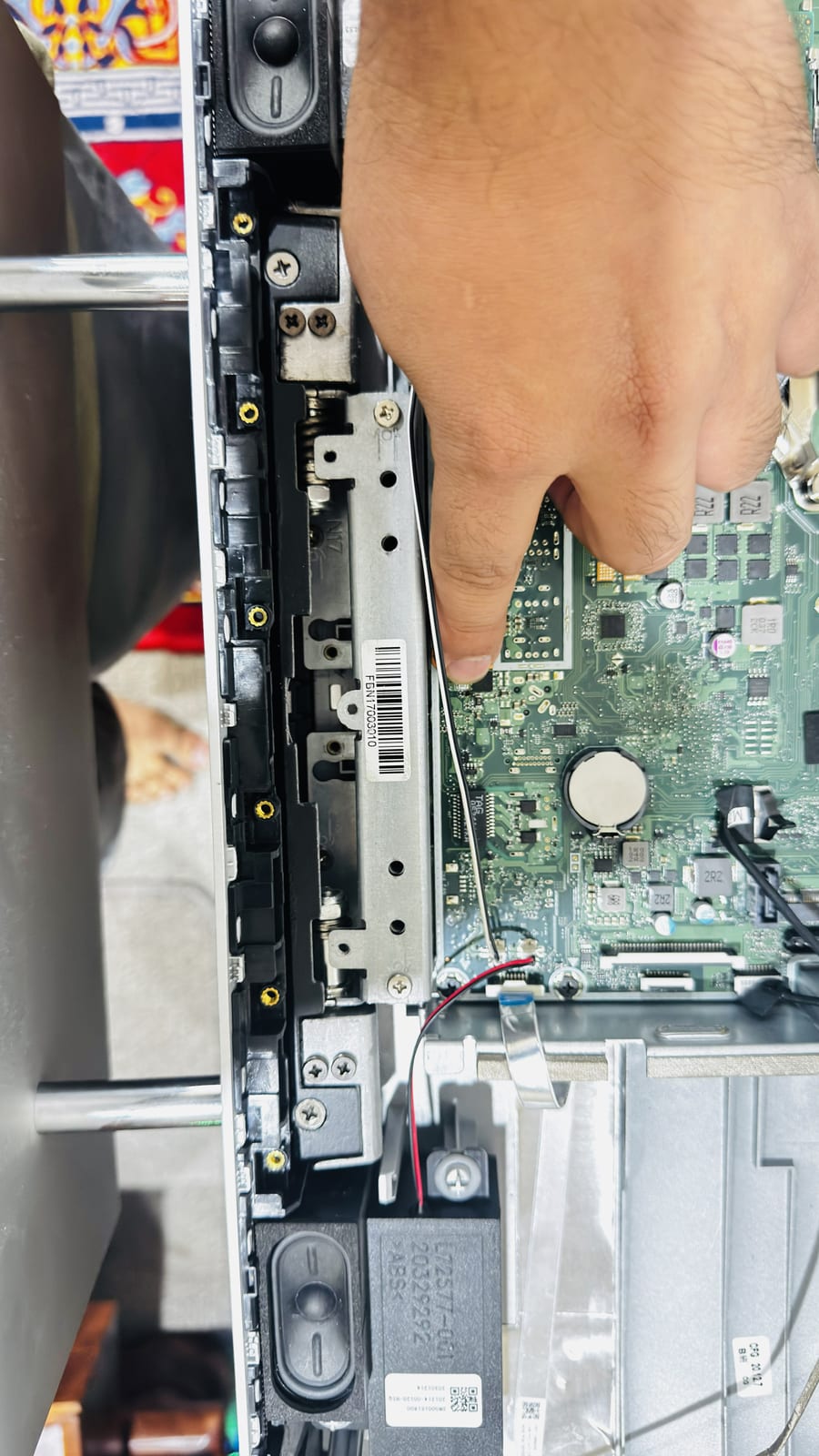
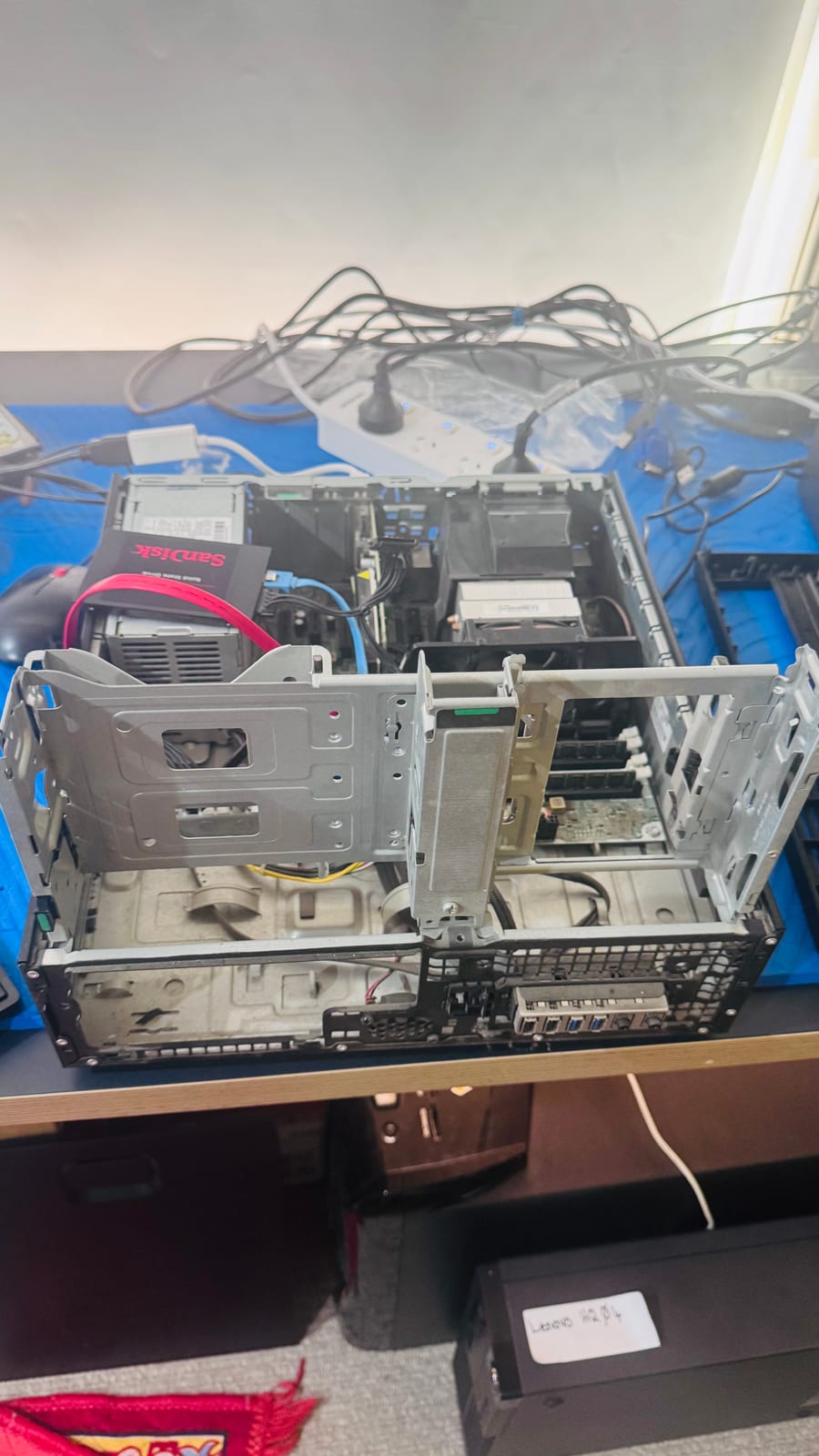
The customer's compact desktop tower was taking a long time to start up and felt sluggish for everyday tasks like browsing and opening programs. The original drive was old enough that a mechanical fault was a real possibility, so the case was fully opened up to assess the drive bays, cabling and existing storage before deciding on the best fix.
Symptoms reported
- Long wait from power on to a usable desktop
- Programs slow to open once Windows had loaded
- General sluggishness during everyday use
- Ageing tower with the original drive still fitted
Diagnosis process
Before recommending parts or a full reinstall, Karma Techs followed a practical diagnostic process to confirm the likely cause and reduce the risk of unnecessary work.
- Opened the case and inspected the drive bays, cabling and existing hard drive
- Checked the drive's age and condition against the performance being reported
- Confirmed the motherboard and remaining hardware were otherwise in good working order
- Decided an SSD upgrade was the most cost-effective fix compared to further diagnosis of the old drive
Repair work completed
- Fitted a new SanDisk solid state drive in place of the old mechanical drive
- Connected the new drive and reorganised the internal cabling for proper airflow
- Reinstalled Windows and the customer's software onto the new drive
- Reassembled the tower and tested boot time and general responsiveness
Outcome
The desktop now starts up in a fraction of the time it used to and feels responsive again for everyday use. The customer avoided replacing the whole tower for the cost of a single drive upgrade.
Questions about this type of repair
How much difference does an SSD make on an old desktop?
Usually a very noticeable one. Boot times, program loading and general responsiveness improve significantly when a mechanical hard drive is replaced with a solid state drive, often making an older machine feel new again.
Is it worth upgrading an old desktop rather than replacing it?
Often yes, especially when the rest of the hardware is still capable. A storage upgrade is a fraction of the cost of a new machine and can resolve most day-to-day slowness.
Will I lose my files and programs during an SSD upgrade?
Files are backed up before any drive is replaced, and software is reinstalled onto the new drive as part of the job, so the customer starts up to a working, ready-to-use desktop.