Gaming PC Not Booting Diagnosed and Fixed on the Gold Coast
A customer's gaming PC wouldn't boot. Bench-testing the motherboard outside the case narrowed down the fault, and the PC was back running games.
The problem
A customer's gaming tower would not boot. A no-boot fault on a gaming PC can come from the motherboard, power supply, memory, graphics card or a connection inside the case, so the system needed to be broken down and tested step by step rather than guessed at.
Symptoms reported
- The gaming PC would not boot
- The tower could not be used for gaming or everyday tasks
Diagnosis process
Before recommending parts or a full reinstall, Karma Techs followed a practical diagnostic process to confirm the likely cause and reduce the risk of unnecessary work.
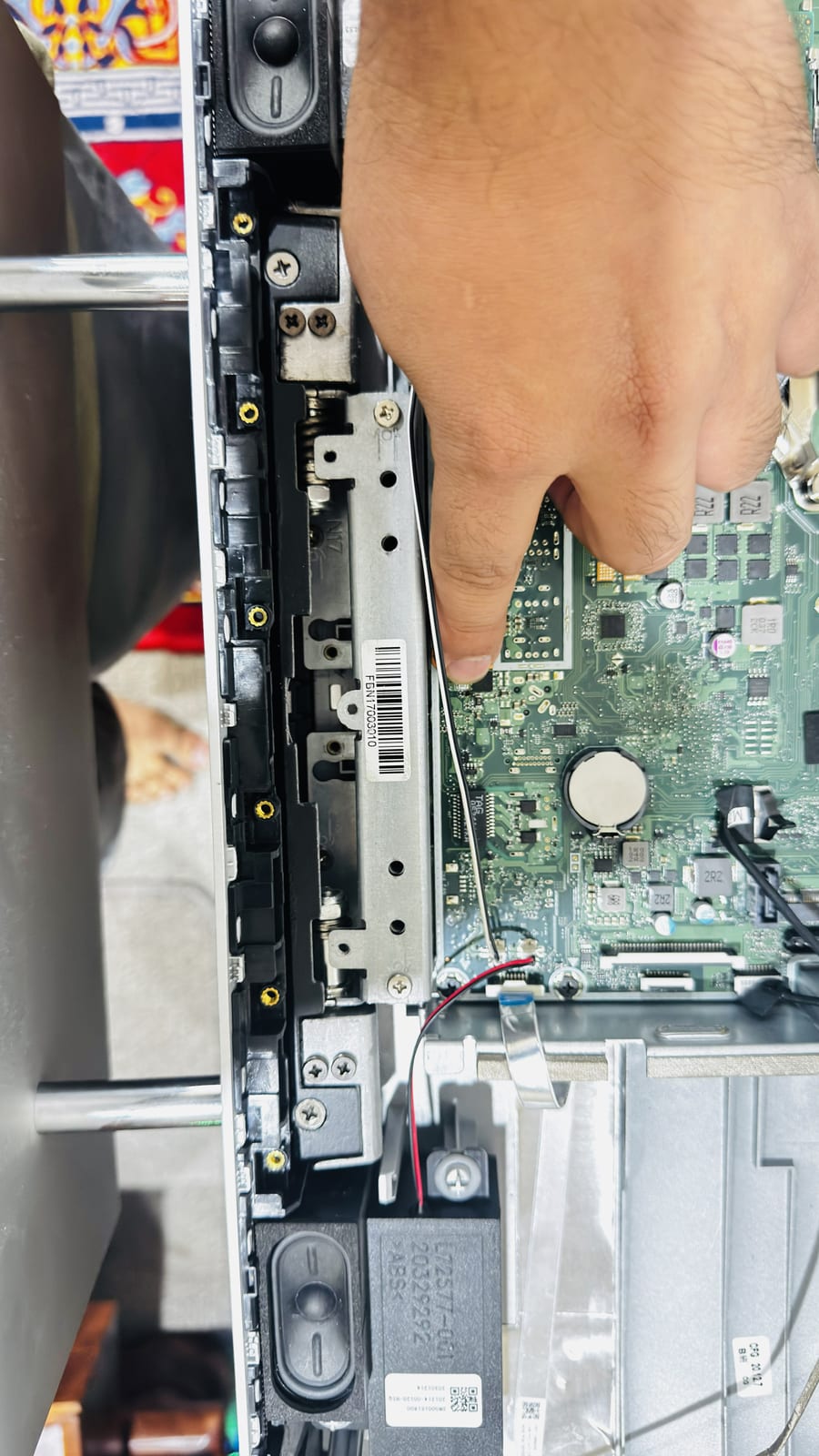
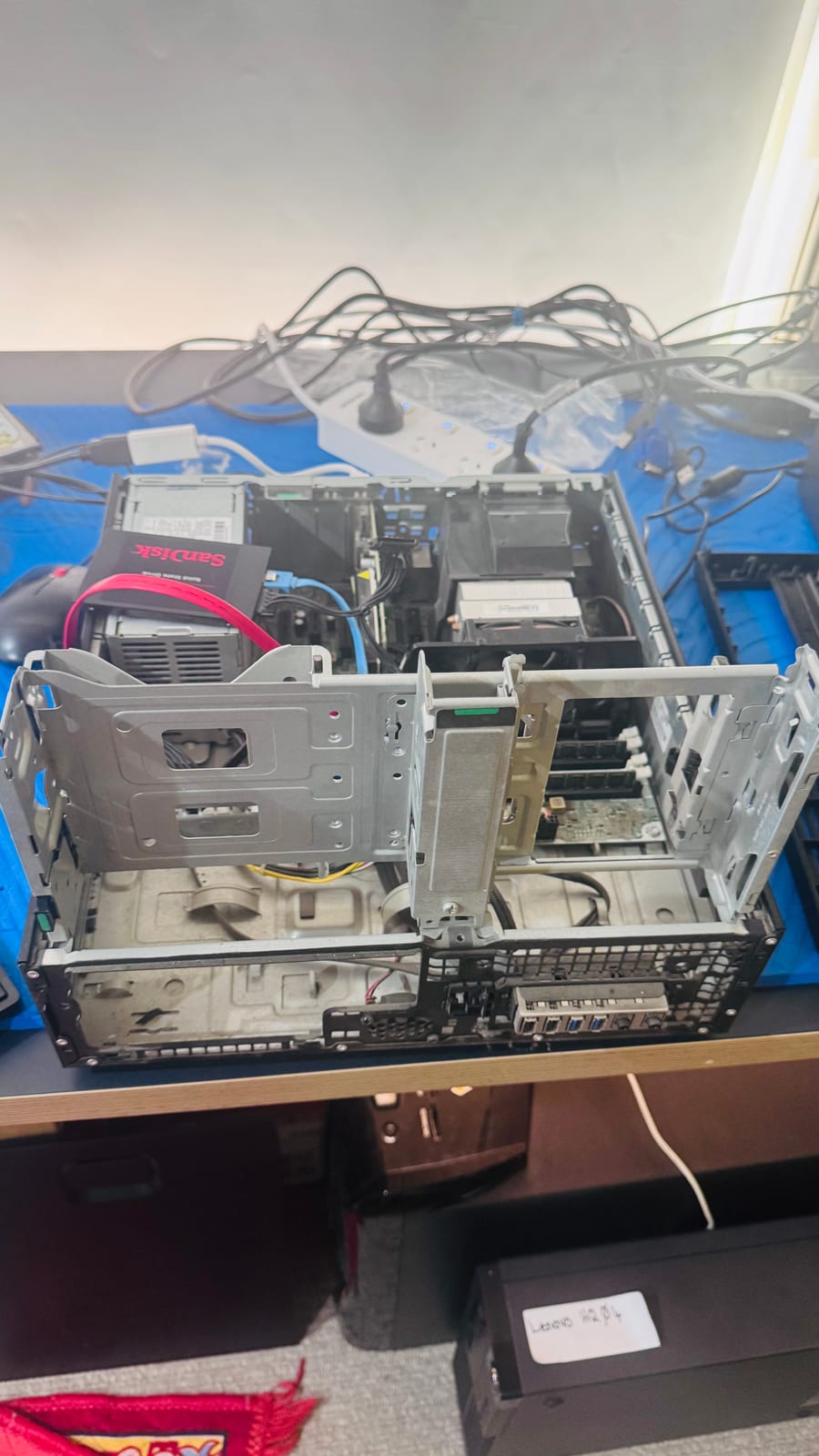
- Took the motherboard out of the case and set it up on the test bench
- Powered the board on the bench with a monitor connected and confirmed it reached the motherboard's start-up logo screen
- Worked through the components step by step to narrow down the no-boot fault
Repair work completed
- Fixed the no-boot fault found during bench testing
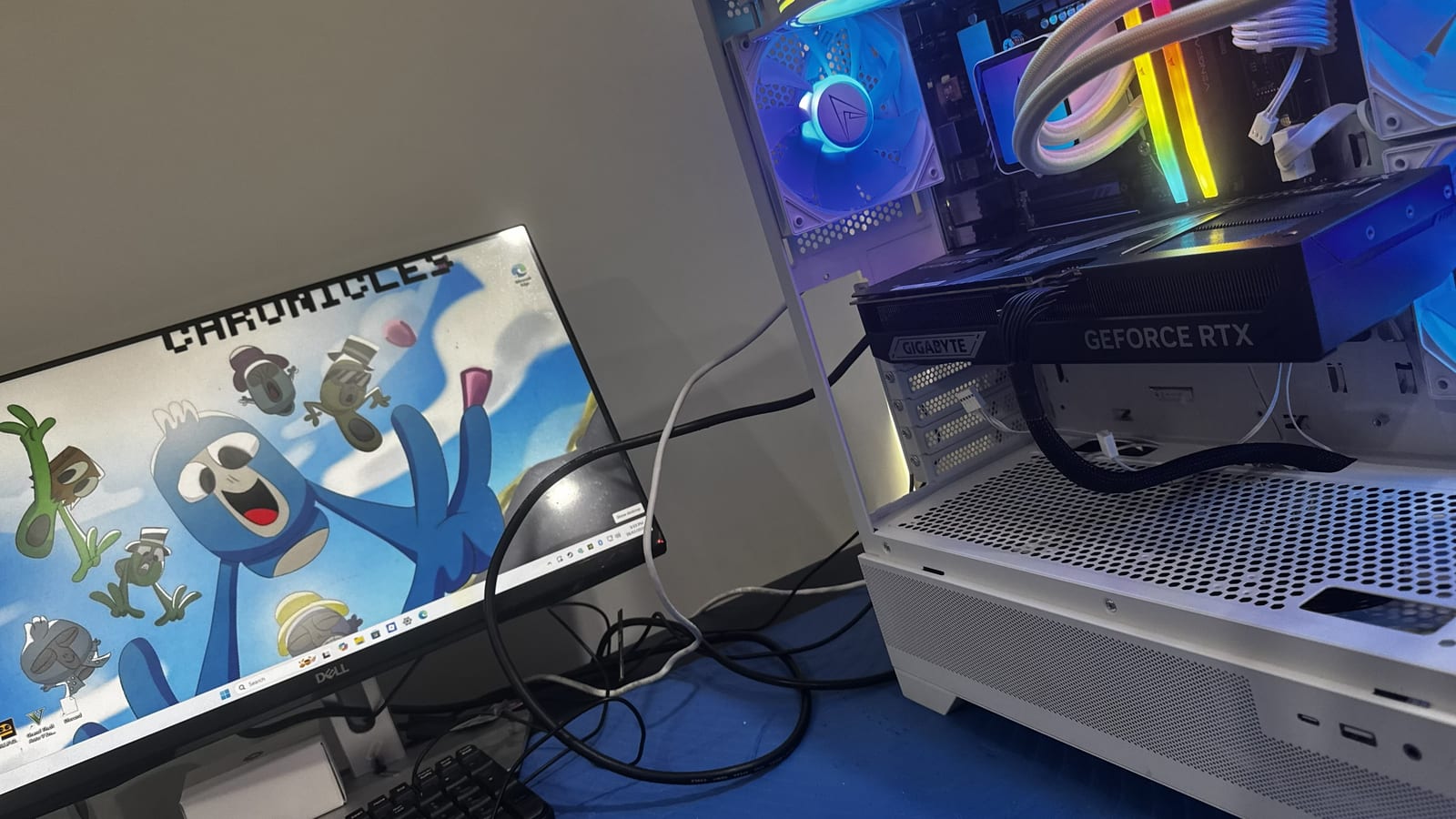
- Reassembled the system in its case
- Started the PC and ran a game to confirm it was working under real use
Outcome
The gaming PC booted again and was back to running games. Testing the board on the bench first meant the fault could be narrowed down without the case and its cabling getting in the way.
Before & after
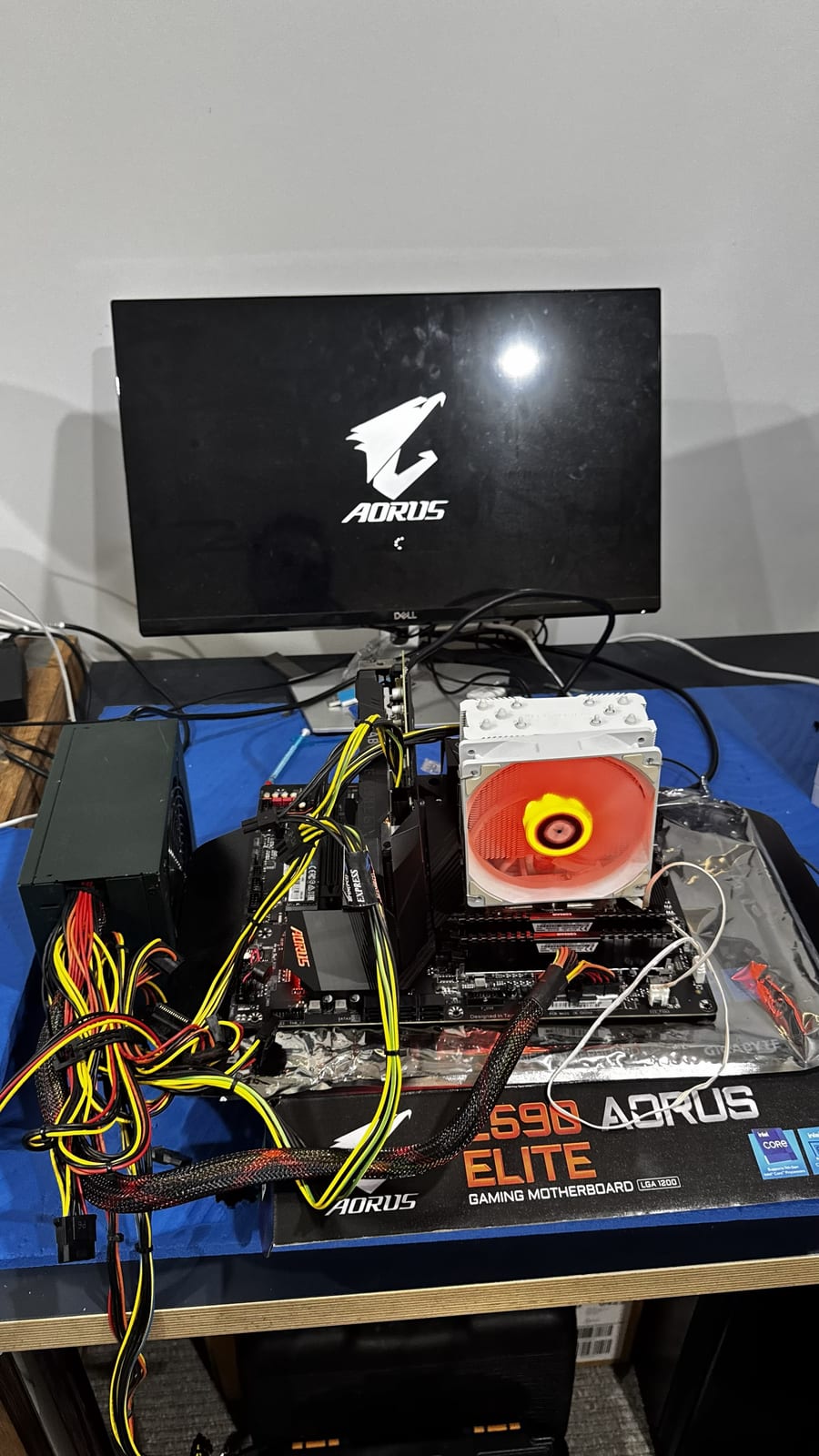
Before
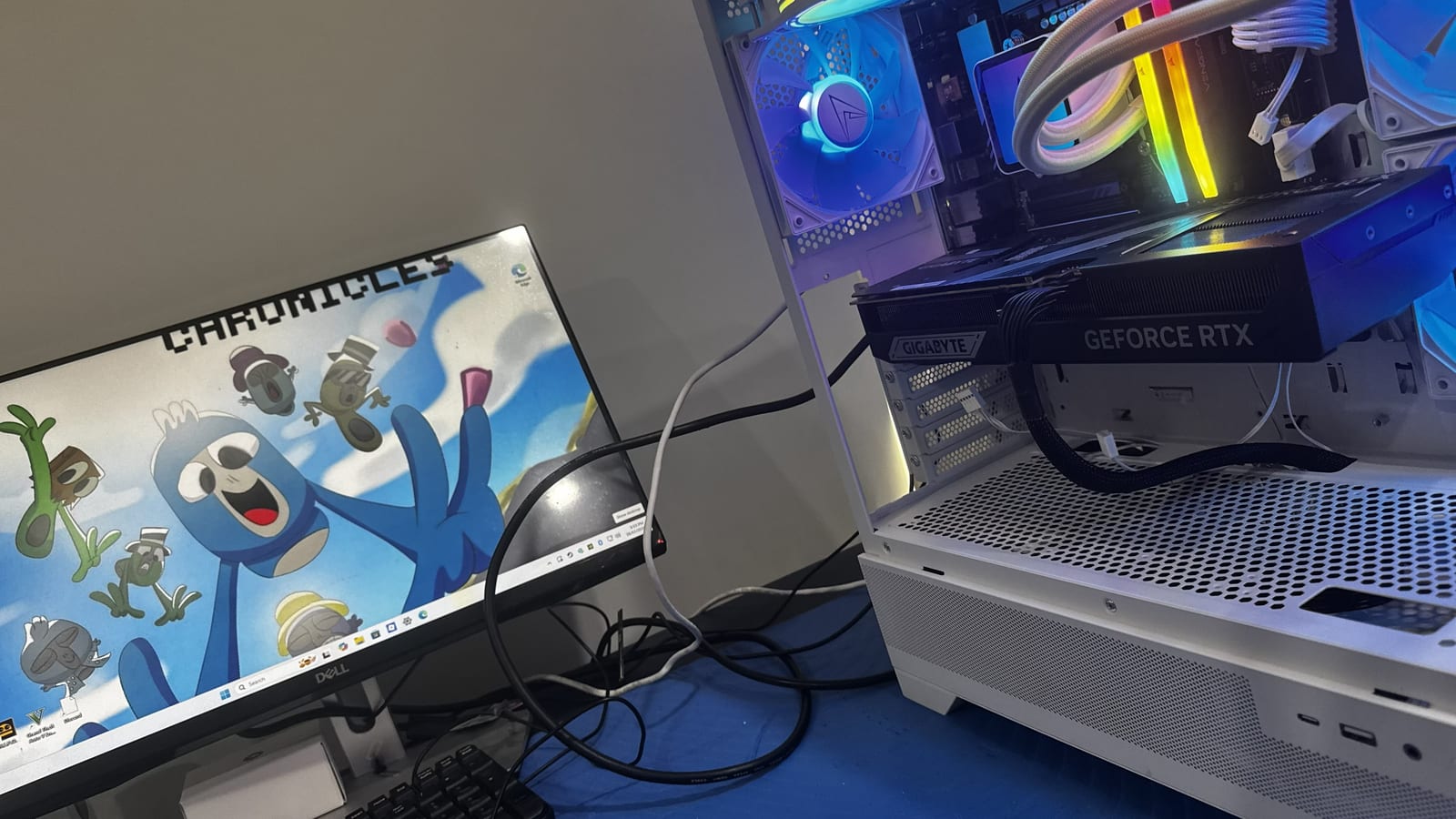
After
Questions about this type of repair
Why test a motherboard outside the case?
Bench testing removes the case, extra cables and other parts from the equation. That makes it easier to see whether the board itself starts up and to narrow down which part is causing a no-boot fault.
What can stop a gaming PC from booting?
Common causes include a fault in the power supply, memory, graphics card or motherboard, a loose connection, or a problem with the motherboard's settings. Each needs to be checked in turn.
Should I keep pressing the power button if my PC won't boot?
It's better not to keep retrying. Switch it off at the wall and get it checked, especially if you notice a burning smell, clicking or other unusual noises.