Business Network Support and Connectivity Troubleshooting in Southport
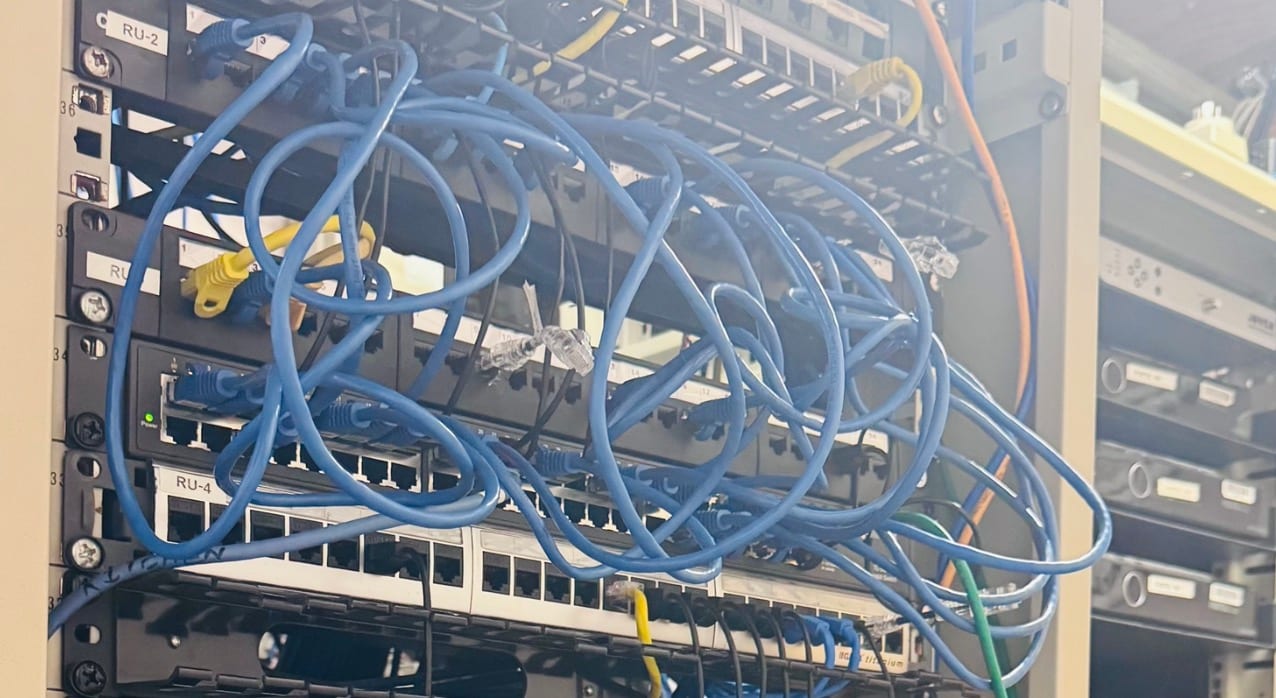
A small business network was reviewed after staff experienced unreliable internet, printer issues and inconsistent device connectivity.
The problem
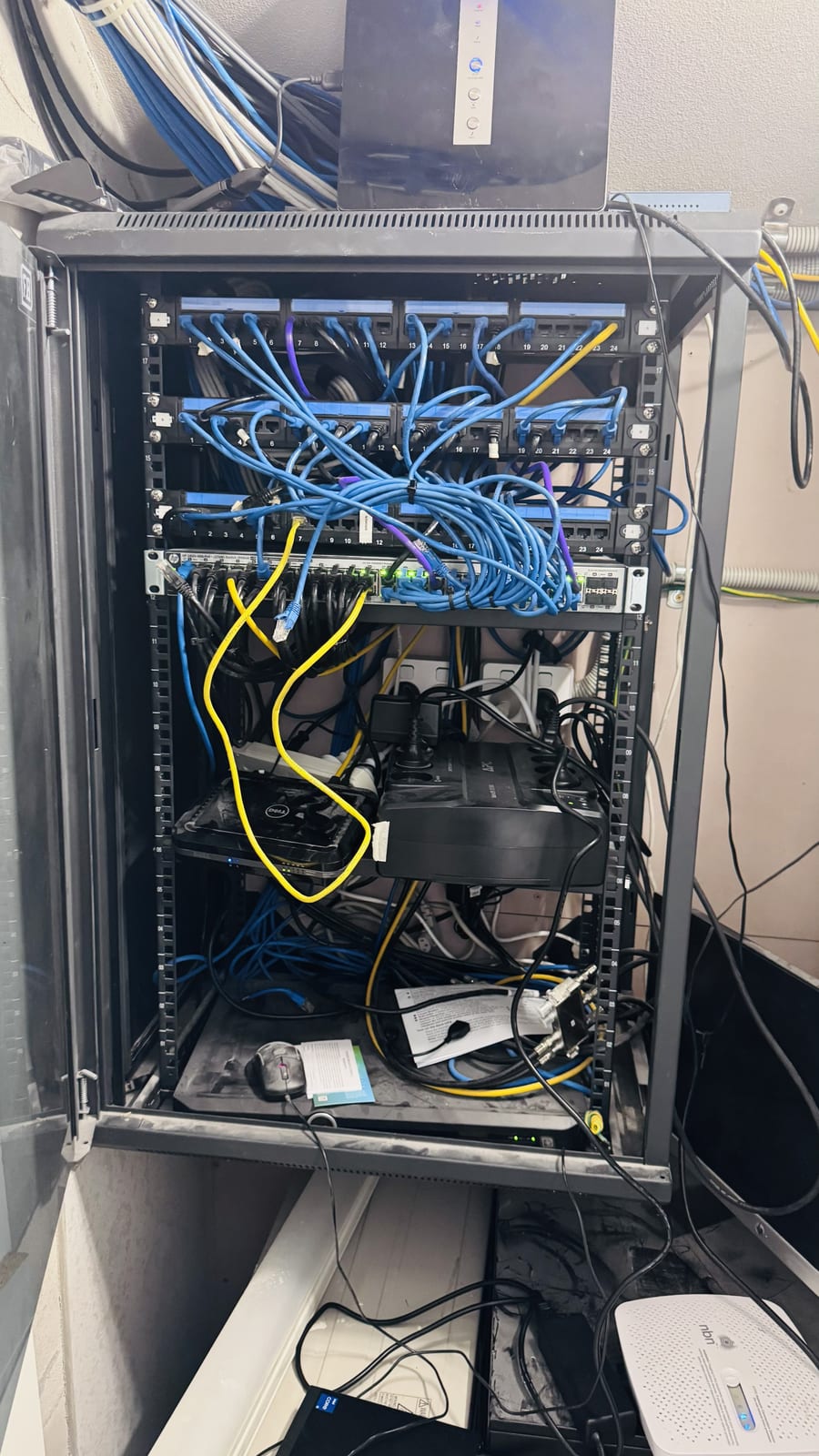
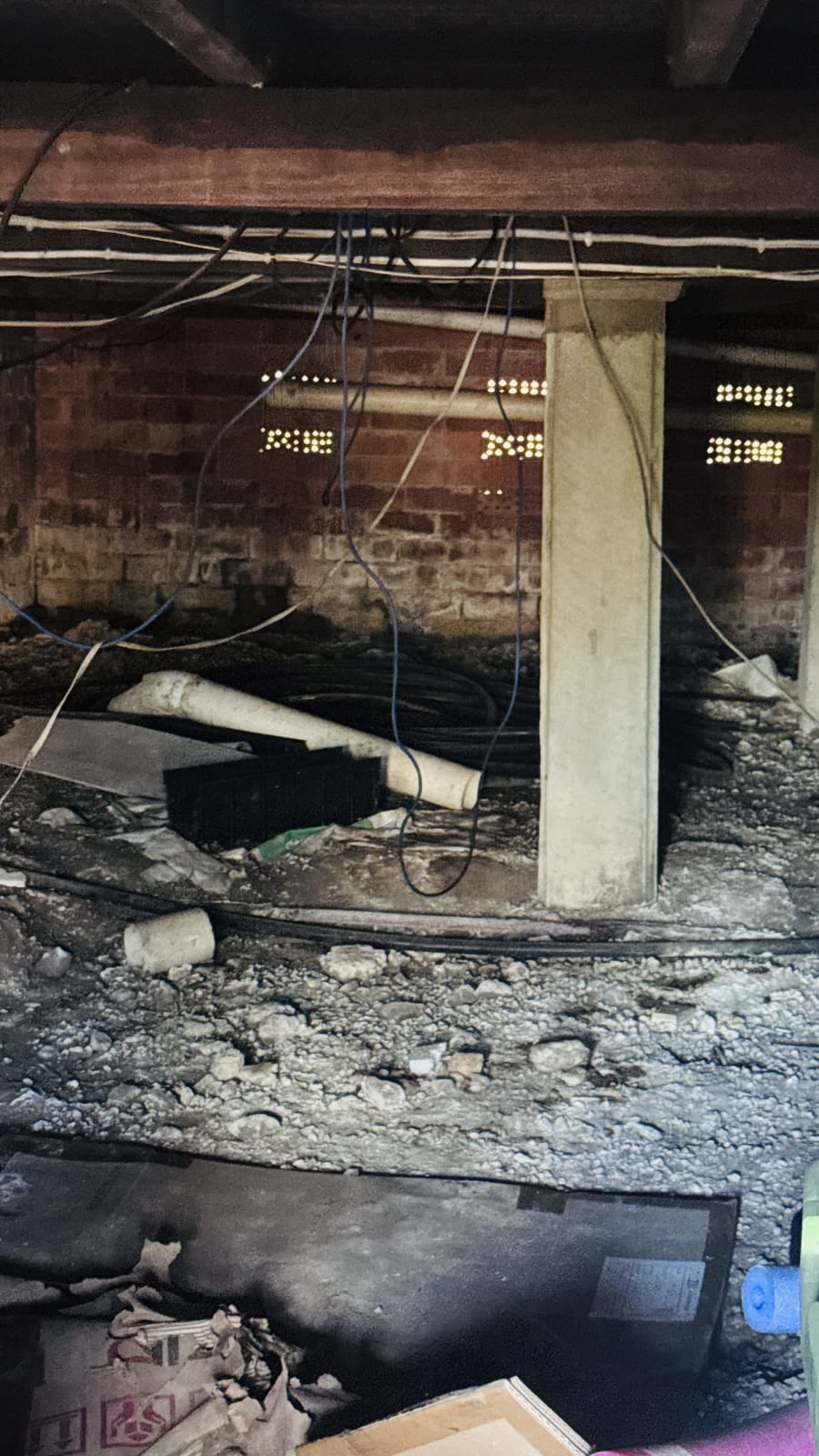
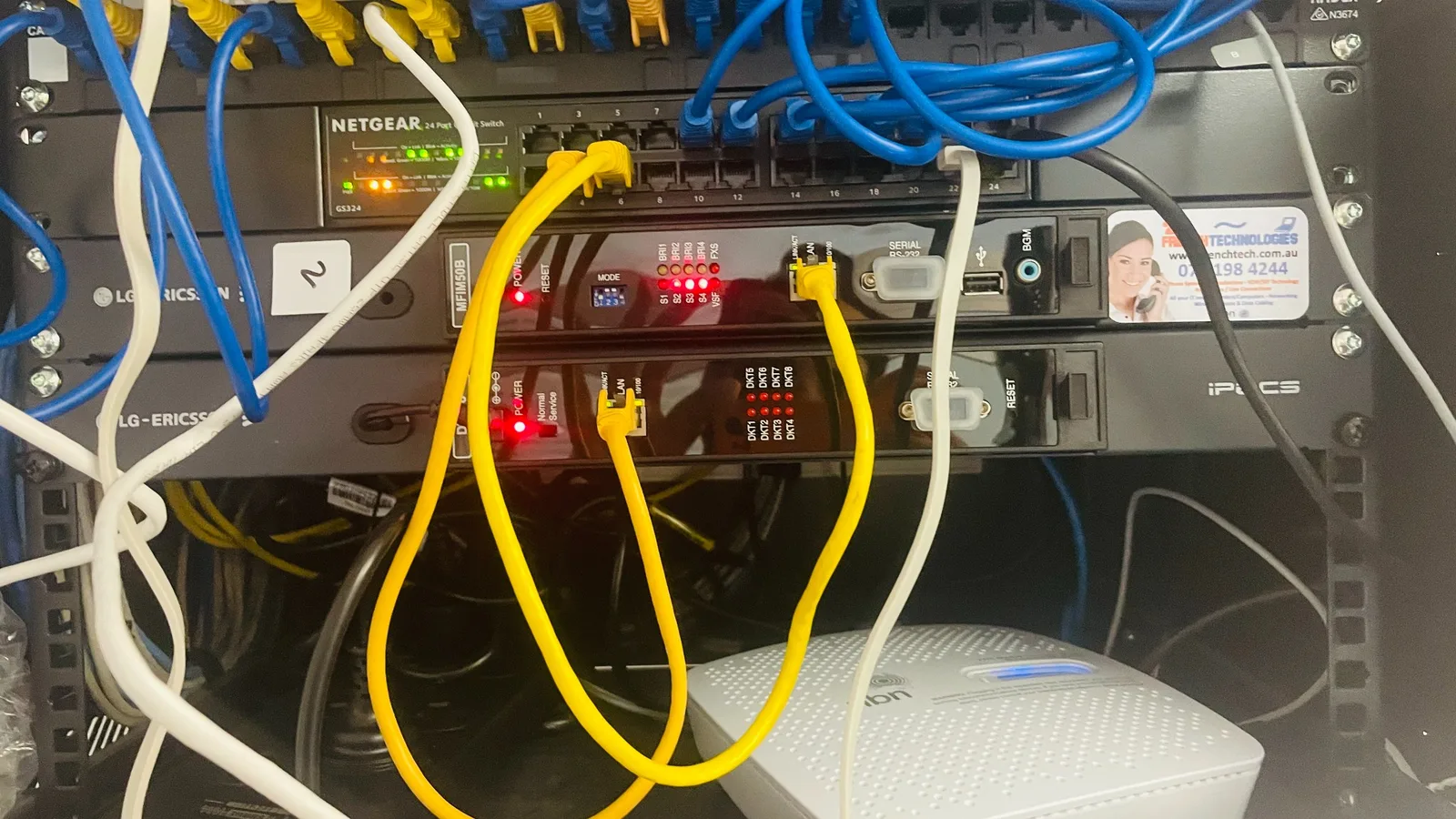
Small business networks often grow over time without documentation. The client needed help identifying whether the issue was the router, switch, cabling, Wi-Fi, printer setup or device configuration.
Symptoms reported
- Intermittent internet dropouts
- Network printer not always visible
- Slow access between devices
- Unclear switch and cable layout
- Staff losing time troubleshooting IT issues
Diagnosis process
Before recommending parts or a full reinstall, Karma Techs followed a practical diagnostic process to confirm the likely cause and reduce the risk of unnecessary work.
- Mapped the basic network layout
- Checked router, switch and patching arrangement
- Tested wired and wireless behaviour
- Reviewed printer and workstation connectivity
- Identified likely causes and practical improvements
Repair work completed
- Tidied and documented key network connections
- Adjusted network configuration where required
- Checked printer discovery and access
- Reviewed Wi-Fi coverage and device placement
- Provided simple next-step recommendations for reliability
Outcome
The business had clearer network visibility and more reliable day-to-day connectivity. Staff could get back to work with less time wasted on recurring internet and printer issues.
Questions about this type of repair
Do you support small business networks on the Gold Coast?
Yes. Karma Techs helps small businesses with routers, switches, Wi-Fi, printers, Microsoft 365 and general IT support.
Can network issues cause printer problems?
Yes. Many printer faults are actually network discovery, IP address, Wi-Fi or driver issues rather than a failed printer.
Can you document our business network?
Yes. Basic network documentation helps future troubleshooting and makes it easier to identify routers, switches, cables and important devices.