Slow Lenovo ThinkPad Boot and Storage Cleanup in Nerang
A Lenovo ThinkPad in Nerang was slow to start and slow to use. The internal NVMe SSD tested healthy, but a nearly full, fragmented drive was the real cause, and a cleanup restored normal speed.
The problem
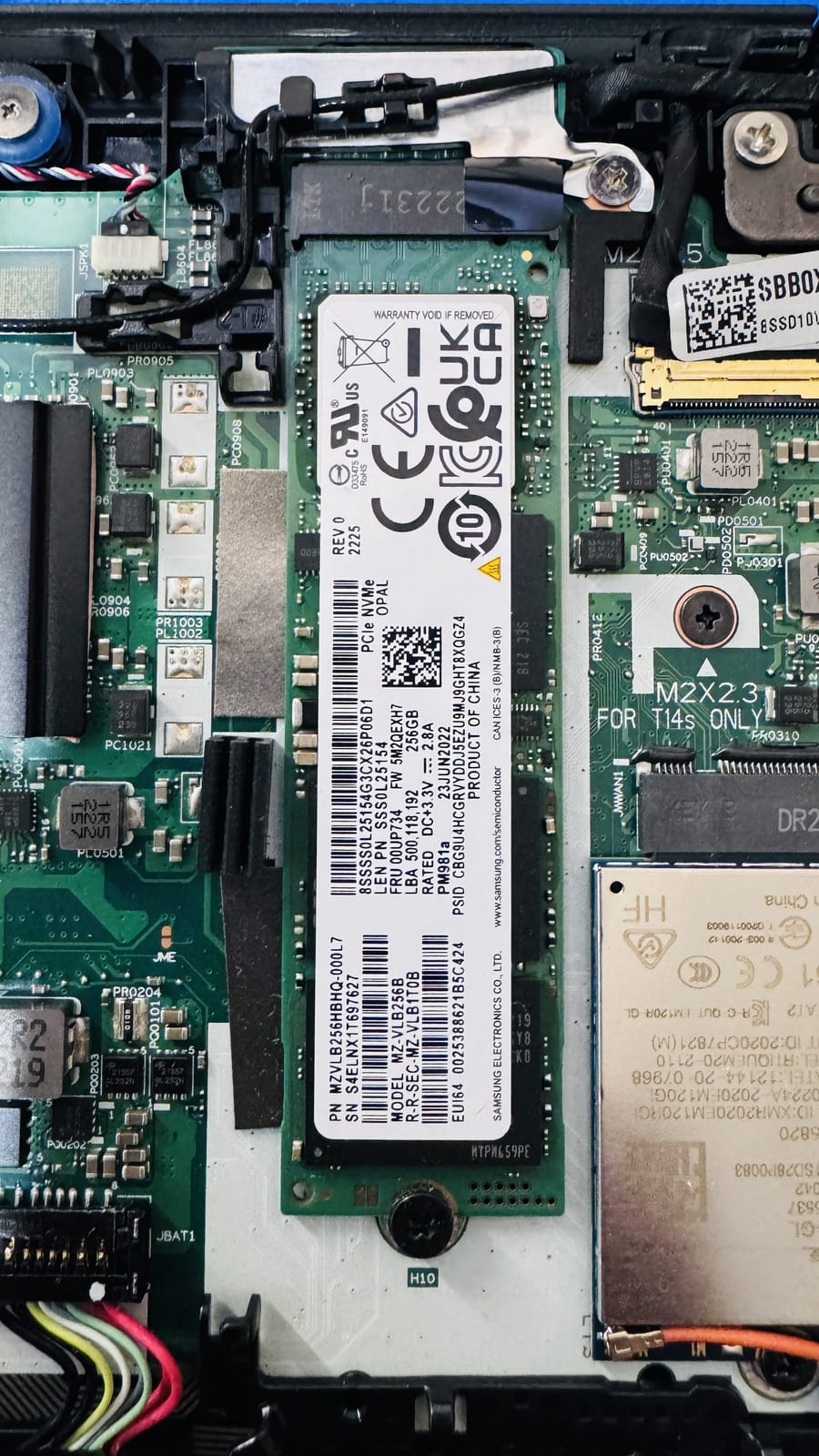
The owner's Lenovo ThinkPad had become frustrating to use, with long boot times, programs slow to open, and general lag throughout the day. They were worried the drive was failing and that they might lose their files. Before recommending any hardware, the job needed a proper check of the SSD's health and of how full and fragmented the drive had become.
Symptoms reported
- Long wait to reach the Windows desktop after power on
- Programs slow to open and slow to switch between
- General lag during everyday tasks
- Very little free space left on the system drive
- Owner concerned the drive was about to fail
Diagnosis process
Before recommending parts or a full reinstall, Karma Techs followed a practical diagnostic process to confirm the likely cause and reduce the risk of unnecessary work.
- Checked the internal NVMe SSD's SMART health data and error counts
- Confirmed the drive was in good condition with no reallocated sectors or warnings
- Measured free space and found the system drive almost completely full
- Reviewed startup programs and background tasks adding to the load
- Checked how fragmented the file system and page file had become
Repair work completed
- Removed temporary files, old Windows update caches and leftover installers
- Moved large personal files off the system drive and cleared the recycle bin
- Reduced unnecessary startup programs
- Ran a full optimise pass appropriate for the drive
- Confirmed healthy free space headroom and retested boot and load times
Outcome
With the SSD confirmed healthy and the drive cleared out and optimised, the ThinkPad booted noticeably faster and felt responsive again. The owner avoided an unnecessary drive replacement and was shown how to keep enough free space so the problem does not creep back.
Questions about this type of repair
Why does a full hard drive or SSD slow a laptop down?
When a drive is nearly full, Windows has little room for temporary files, virtual memory and updates, so everything slows down. Freeing space and optimising the drive usually restores normal speed.
How much free space should I keep on my system drive?
As a rough guide, keeping at least 10 to 15 percent of the drive free helps Windows run smoothly. On a small drive that fills quickly, moving photos and videos to external or cloud storage helps.
Was the SSD actually failing?
No. The SSD's health data was clean. The slowdown was caused by the drive being full and fragmented, not by hardware failure, so no replacement was needed.