Rebuilding an Unreliable Small Business Network Rack With Backup Power in Varsity Lakes
A Varsity Lakes business had an unreliable network with regular drop-outs and no backup power. The rack was rebuilt properly with organised cabling and a UPS added for reliability.
The problem
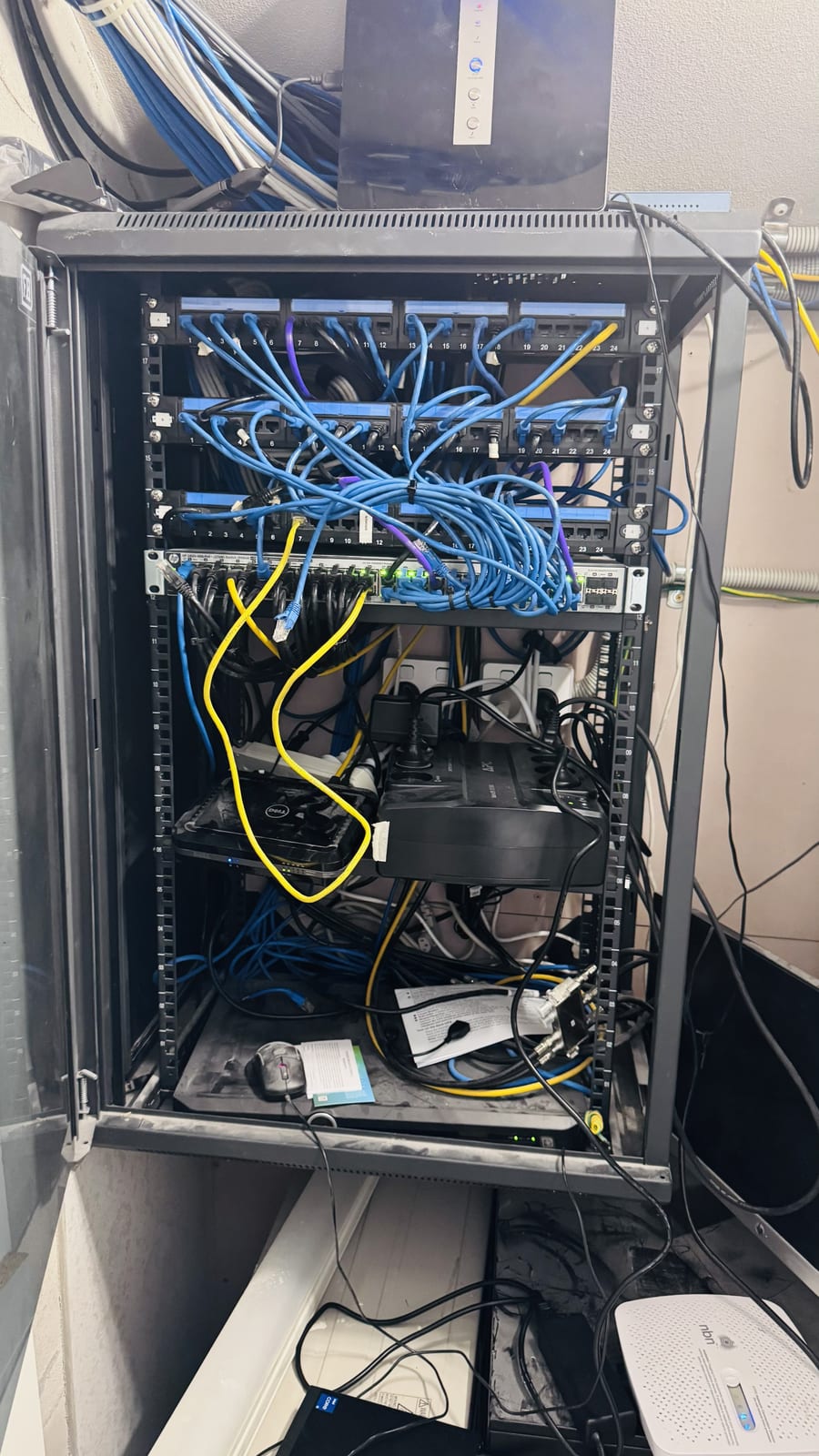
The business was losing connection several times a day and had no protection against power interruptions. A brief outage or flicker took the whole network and phones down. The rack had grown over time into a loose pile of gear and cabling with no structure, which made the drop-outs hard to pin down.
Symptoms reported
- Network dropping out several times a day
- Whole network and phones going down during brief power interruptions
- Equipment and cabling stacked loosely with no rack structure
- No way to isolate which device or cable was causing the drop-outs
Diagnosis process
Before recommending parts or a full reinstall, Karma Techs followed a practical diagnostic process to confirm the likely cause and reduce the risk of unnecessary work.
- Checked the switch, gateway and nbn connection for faults and errors
- Tested cabling and patch leads for damaged or marginal runs
- Identified loose connections and an overloaded, unprotected power setup
- Confirmed there was no battery backup anywhere in the rack
Repair work completed
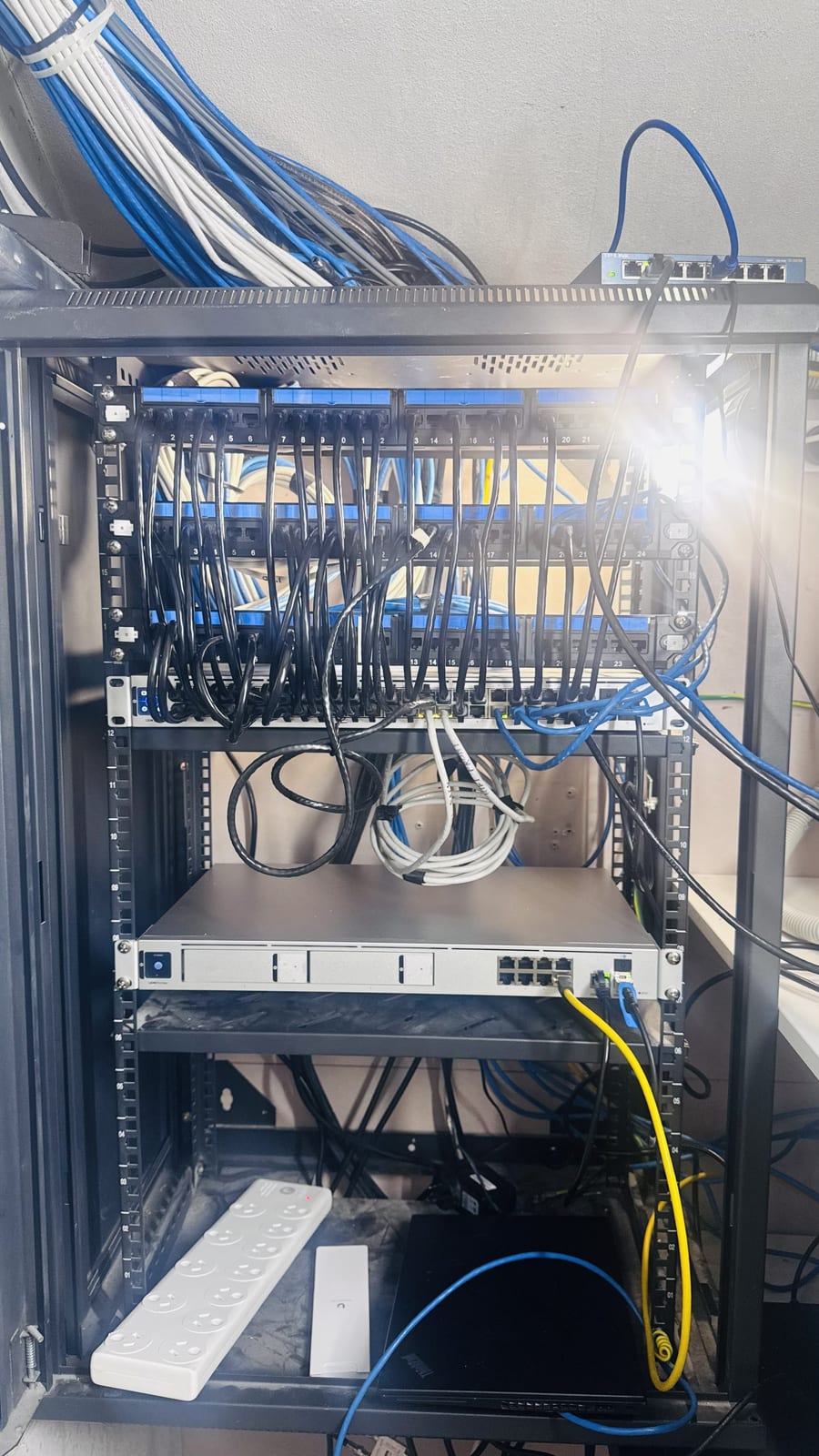
- Stripped the rack back and remounted the switch, gateway and modem properly
- Replaced faulty and marginal patch leads and dressed the cabling through management
- Fitted an APC UPS so the core network and phones ride through power interruptions
- Put the key equipment on protected power and labelled the connections
- Tested for stable connectivity and a clean switchover to battery on power loss
Outcome
The network has been stable since the rebuild, and a power flicker no longer takes the office offline. The rack is now organised and labelled, so any future fault can be traced and fixed quickly.
Questions about this type of repair
Why does our network go down when the power flickers?
Network gear restarts the instant power drops, even for a second. A UPS holds the core equipment up through flickers and short outages, and gives you time to shut down cleanly in a longer one.
What should be connected to a UPS?
At minimum the modem, main switch and gateway, plus phones if they run over the network. That keeps you connected during short interruptions.
Can you find out what is causing our drop-outs?
Yes. Testing the cabling, switch, gateway and internet connection in turn isolates whether it is a cable, a device or the line itself, so the right thing gets fixed.